Graphics Design

Learn graphic design from scratch in this beginner-friendly, self-paced course. You’ll master the basics of layout, color, and typography while learning to use tools like Canva and Photoshop. By the end, you’ll be able to create eye-catching flyers, social media posts, and brand visuals with confidence.

Whether you’re starting a creative career or just want to improve your design skills, this course gives you the practical knowledge and tools to stand out. No experience needed — just your creativity and the willingness to learn.

Graphic design
Theories

Typography Fundamentals

Design precisely in Photoshop using design grids &
guides

Create social media post images for Facebook, Instagram, Twitter, Pintrest & Youtube.

36 hours on-demand video

Certificate of
completion

Full lifetime access

Technical
Requirements

Course will be taught using Adobe Photoshop CC 2017, but Adobe CC 2018 – 2023 is also fine

Windows 7 operating system (or higher) or macOS El Capitan (or higher)

A graphic tablet is recommended, although it’s not essential

Course Content

In this module, you’ll get a clear understanding of what graphic design is, its purpose, and how it impacts everyday communication. We’ll explore the different types of design, key terms you need to know, and the role of a graphic designer in today’s digital world. It’s the perfect foundation to kickstart your creative journey.

This module breaks down the building blocks of great design. You’ll learn the essential elements like color, line, shape, and texture, along with the core principles such as balance, contrast, alignment, and hierarchy. Understanding these will help you create visually appealing and effective designs every time.

In this module, you’ll get hands-on with Adobe Photoshop—one of the most powerful tools for graphic design. We’ll cover the basics of the interface, essential tools, layers, and how to start creating simple yet impactful designs. No stress—this is perfect for first-timers.

Now it’s time to put theory into practice. In this module, you’ll follow a guided, step-by-step process to create your first real design. From setting up your canvas to adding text, images, and final touches — you’ll build confidence and see your ideas come to life.

Your portfolio is your ticket to opportunities. In this module, you’ll learn how to select and present your best work, organize your projects, and showcase your design style. Whether you’re aiming for freelance gigs or a design role, this will help you make a strong first impression.

Testimonials

Adeola Mercy

The way the course was broken into steps was what made it fantastic. Nothing was rushed. I look forward to taking more courses with you.”

Adeola Mercy

The way the course was broken into steps was what made it fantastic. Nothing was rushed. I look forward to taking more courses with you.”

Adeola Mercy

The way the course was broken into steps was what made it fantastic. Nothing was rushed. I look forward to taking more courses with you.”

Adeola Mercy

The way the course was broken into steps was what made it fantastic. Nothing was rushed. I look forward to taking more courses with you.”

Adeola Mercy

The way the course was broken into steps was what made it fantastic. Nothing was rushed. I look forward to taking more courses with you.”

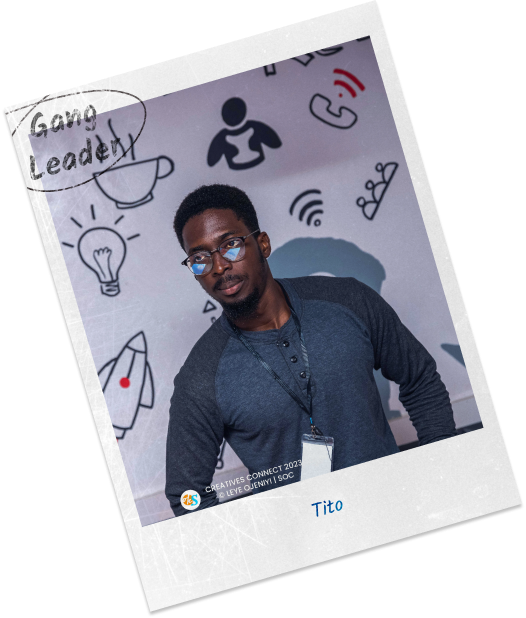
Meet your guide

In this course, master the principles and tools of graphic design using Adobe Photoshop. Create eye-catching graphics and bring your ideas to life. Whether you want to build a standout portfolio, enhance your digital design skills, or explore visual storytelling, our hands-on course empowers your creativity. Join us and let your designs shine!”

Check Out Other Courses